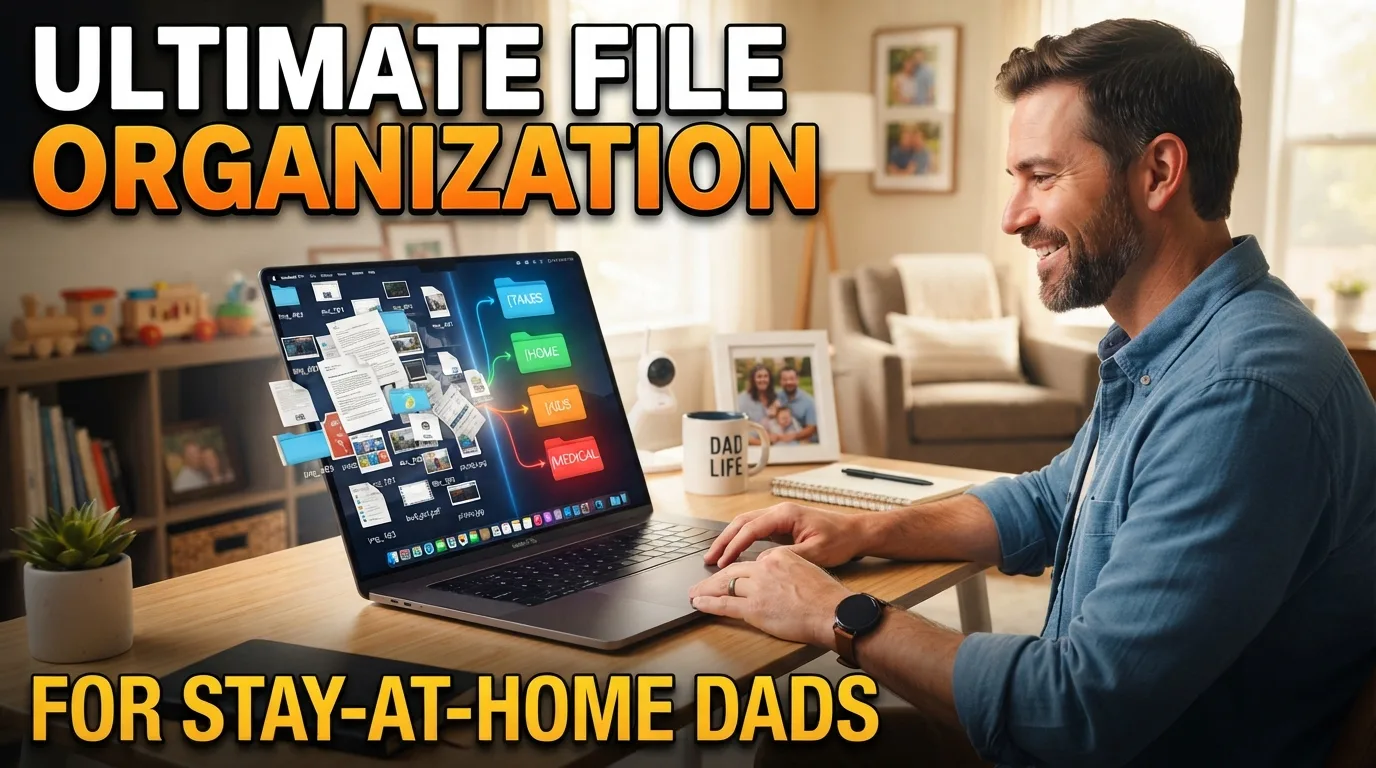
Finding the best file organization system for stay at home dads saved my home from collapsing into a mountain of crumpled school notices, medical records, and tax receipts. I used to spend twenty minutes hunting for pediatrician permission slips while my toddler screamed in his car seat. Setting up a streamlined physical and digital routine transformed how our household functions, turning daily paper stress into effortless control.
1. Establish a Single Physical Drop Zone Entryway Tray
Incoming mail, school permission slips, and event flyers flood through your front door every single afternoon. Without a dedicated landing spot, loose papers scatter across kitchen counters, dining tables, and couch cushions, creating instant mental clutter.
Set up a wall-mounted inbox or a simple wooden tray right next to your primary entrance door. Teach your kids and partner to drop every piece of paper directly into this bin the moment they step inside the house. I keep a magnetic trash bin right beneath our drop tray so junk mail and sales circulars get tossed before they ever touch a table surface. Having one physical landing tray stops critical school notices from getting lost under lunch boxes during afternoon chaos.
2. Set Up a Color-Coded Master Hanging File Box
Piling every important document into one massive drawer makes finding your water bill or home insurance policy an infuriating task. A portable plastic file crate fitted with hanging folders gives you immediate physical access to essential household records without taking up valuable office closet space.
Assign specific color folders to main life categories: blue for medical records, green for financial taxes, yellow for school documents, and red for vehicle titles. Inside each main folder, create clear labeled sub-folders for each family member so individual vaccination cards and sports physicals remain separated. I added a small zippered pouch inside our front folder to store loose passports and Social Security cards safely. A color-coded filing system turns chaotic pile searching into a five-second grab.
3. Digitally Scan Paperwork Using a Mobile Document Scanner
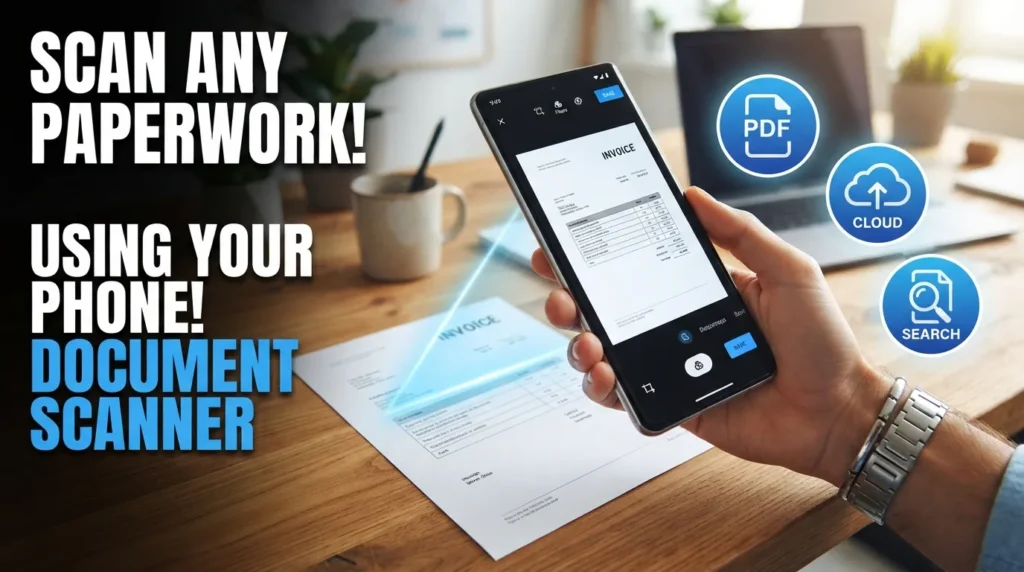
Holding onto physical paper copies of sports schedules, camp registration forms, and appliance manuals creates unnecessary physical bulk in your living room. Most home paperwork only needs to exist digitally so you can reference details on your mobile phone while running errands across town.
Download a mobile scanning application like Adobe Scan or SwiftScan onto your smartphone. Whenever a school schedule or medical form enters your drop tray, scan it immediately using your phone camera, which crops and sharpens the image into a searchable PDF file. Recycle the original paper unless it carries legal signatures or official raised seals. IMO, using a mobile scanning application keeps physical clutter at zero while ensuring critical documents stay in your pocket wherever you travel with the kids.
4. Implement a Standardized Digital Folder Structure
Saving random PDF files to your computer desktop with default names like “Scan_0042.pdf” creates a digital swamp that wastes precious time during busy school mornings. A structured cloud folder hierarchy ensures you locate pediatric records or tax documents in seconds from any computer or tablet.
Create a primary parent folder in Google Drive or OneDrive named “Family Records” and break it down into four main sub-folders: House, Finances, Medical, and Kids. Rename every single uploaded file using a strict date-first convention like “2026-09_Pediatrician_VaccineRecord_Jack.pdf”. Applying the best file organization system for stay at home dads requires adopting a consistent file naming habit, keeping files sorted chronologically without manual effort. Finding an immunization record for soccer sign-ups takes literally three seconds when files follow a clean naming pattern.
5. Build a Centralized Family Digital Dashboard
Managing family logistics entirely from memory leads to missed dentist appointments, forgotten school spirit days, and overlapping extracurricular schedules. Creating a digital home base connects your file organization directly to your daily family calendar.
Set up a shared Notion workspace or Apple Notes shared folder that acts as your central household hub. Paste quick links to important digital files, such as your child’s online medical portal, school lunch account logins, and emergency contact lists. Share access with your spouse so both parents view updated schedules and file locations in real time. Maintaining a centralized family dashboard eliminates endless text messages about lost permission slips while you manage household chores.
6. Best File Organization System for Stay at Home Dads: Weekly Paperwork Audit
Even the most efficient organizational framework breaks down if physical papers sit in your entryway tray for weeks at a time. Establishing a brief, repeating routine prevents paperwork backlogs from building up into overwhelming weekend projects.
Block out fifteen minutes every Friday afternoon right after school drop-off to clear your physical drop tray completely. Sort items into three clear piles: action items that require your immediate signature, papers that need digital scanning, and junk that goes straight into the recycling bin. Process signature forms immediately, scan necessary documents into your cloud storage folders, and toss the rest. FYI, sticking to a weekly paperwork audit keeps your counters completely clear so weekends remain focused entirely on family fun instead of clerical work.
7. Create an Emergency Medical and Vital Records Binder
When a child runs a sudden fever or sustains a playground injury, hunting through file drawers or searching cloud folders wastes precious time. Keeping high-priority physical documents organized in one grab-and-go binder ensures immediate access during sudden medical emergencies or natural disasters.
Buy a durable three-ring binder fitted with clear plastic sheet protectors and heavy tab dividers. Store original birth certificates, health insurance cards, allergy lists, emergency contact numbers, and copies of legal guardianship papers inside labeled sleeve inserts. Place this emergency binder on a low shelf inside your kitchen pantry where babysitters or family members can grab it instantly if an emergency happens. Building an emergency vital binder gives you incredible peace of mind when taking care of your children solo.
8. Automate Digital Backups with Cloud and Local Storage

Relying on a single laptop hard drive to store years of family photos, tax files, and medical records leaves your household vulnerable to devastating data loss. Hardware failures, liquid spills from toddler cups, and lost devices can erase your digital paper trail in an instant.
Combine automated cloud synchronization with a local physical backup to protect your family archive against unexpected disasters. Subscribe to a secure cloud service like Google Drive, Dropbox, or iCloud to automatically mirror your documents folder online. Connect an external portable hard drive to your desktop once a month to create an offline clone of your digital files. Using a dual backup strategy guarantees your family records remain safe even if your laptop takes an accidental spill into a sink.
Frequently Asked Questions
How long should I keep physical copies of family documents?
Keep original birth certificates, property deeds, social security cards, and signed tax returns permanently in physical files. Routine receipts, utility bills, and old medical invoices can be safely shredded after scanning them into digital cloud folders. Retain physical tax returns and supporting documents for seven years to satisfy standard financial auditing guidelines.
What is the easiest way to organize school paperwork for multiple kids?
Assign each child their own distinct color for physical folders and digital tags. When permission slips or artwork enter the house, file them under that child’s color tab immediately. Digitizing precious school artwork into annual digital photo albums saves massive storage space while preserving memories cleanly.
How can stay at home parents keep digital files secure on shared devices?
Use a password manager to protect account logins and enable two-factor authentication across all cloud storage platforms. Create separate user profiles on home computers so children cannot accidentally delete important financial records while playing games. Encrypt sensitive folders containing social security numbers and tax returns for maximum data safety.
Why is a file management system for stay at home dads so important?
Managing household logistics solo requires tracking hundreds of moving parts, from school schedules to medical records. Having an organized filing system reduces daily mental load, prevents lost deadlines, and ensures any family member can locate critical records quickly without causing unnecessary stress or panic during busy weekdays.
Conclusion
Getting your household paperwork in order takes a little effort upfront, but the daily mental relief is worth every minute. Once your physical drop tray and digital folders run on autopilot, you can focus your energy on what actually matters: enjoying time with your kids. Which file organization habit are you going to set up in your home today?