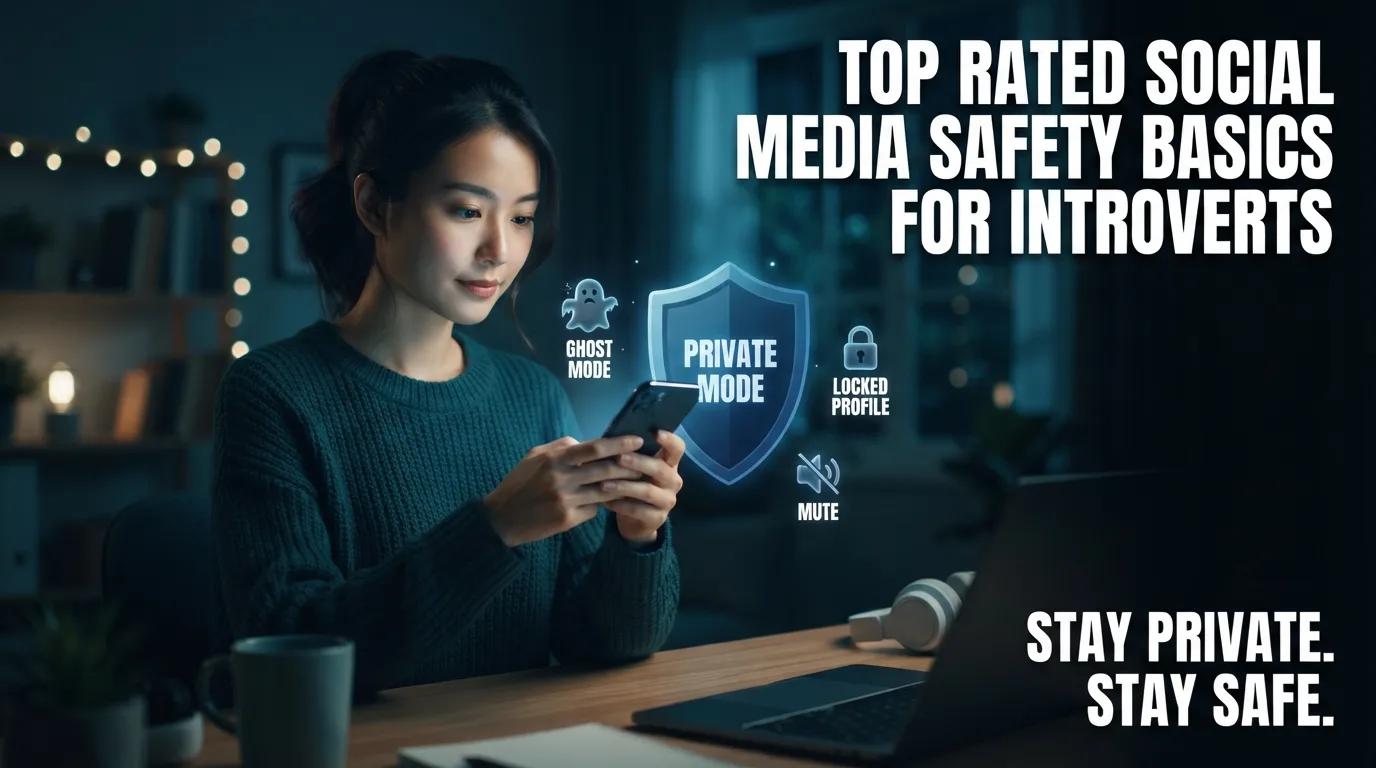
Learning the top rated social media safety basics for introverts saved me from digital burnout after an overwhelming week of unwanted group chats and public tags. As someone who prefers a quiet life, having strangers or acquaintances pry into my personal routine makes me want to delete my profiles entirely. You can maintain online connections without sacrificing your privacy or mental peace.
1. Turn Off Active Activity Status
Green online dots trigger instant social obligation when friends see you active on apps. Disabling status indicators across Instagram, Facebook Messenger, and WhatsApp removes the immediate pressure to answer non-urgent messages right away.
You can scroll through feeds quietly without anyone knowing you opened the application during quiet evenings. Turning off online activity toggles preserves your mental energy and gives you full control over when you choose to communicate with people.
2. Restrict Direct Message Requests From Strangers
Random direct messages from unknown accounts can feel invasive and anxiety-inducing when you just want a peaceful social feed. Adjusting your privacy settings to send non-follower messages directly to a hidden request folder shields you from unwanted interactions.
Unsolicited messages stay completely out of your primary inbox until you actively review and approve them on your own terms. Setting up strict message filtering stops sudden push notifications from surprising you during your personal relaxation time.
3. Lock Down Tagging and Mention Approvals
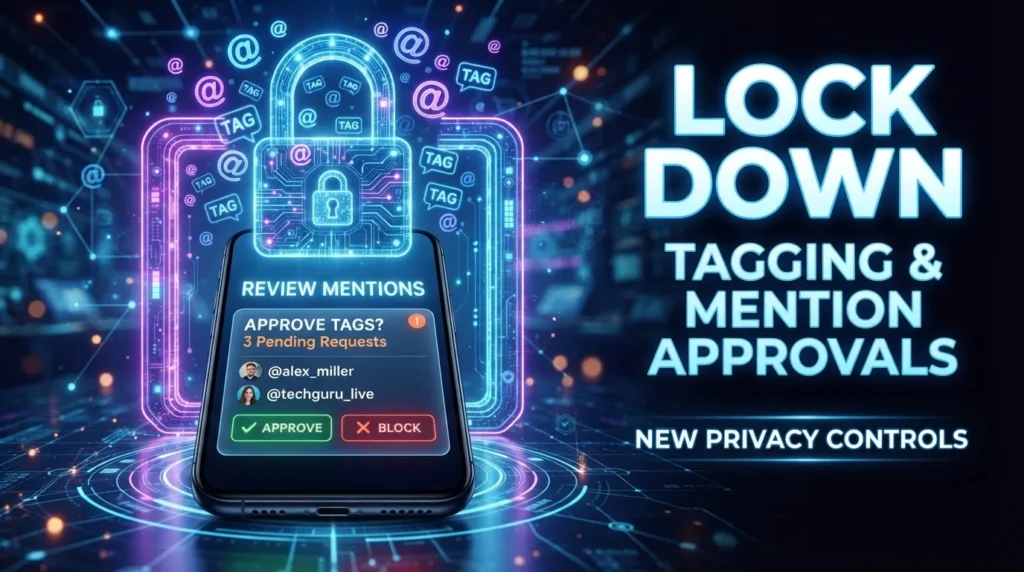
Waking up to find yourself tagged in random public photos or promotional posts forces unwanted visibility onto your profile. Enabling manual tag review forces every photograph or comment mention to wait in a queue for your explicit approval before appearing on your wall.
This simple setting prevents acquaintances from plastering your face across public event pages without asking first. Configuring manual tag approval keeps your digital image under your absolute personal control at all times.
4. Top Rated Social Media Safety Basics for Introverts: Limit Audience to Close Friends
Broadcasting every single personal update to your entire online contact list often feels exhausting for quiet personality types. Utilizing close friends features on platforms like Instagram and X allows you to share thoughts exclusively with a small group of trusted individuals.
Applying top rated social media safety basics for introverts helps you curate a personal space free from noisy public commentary. Utilizing curated friend lists ensures your posts reach only those people you genuinely trust with your daily life.
5. Remove Location Data and Geo-Tags From Posts
Sharing real-time location tags reveals your physical whereabouts to anyone browsing public location pages across social networks. Turning off location services within your mobile camera app stops hidden geographic metadata from attaching to your photographs.
You avoid broadcasting your exact daily routine, such as your favorite quiet coffee shop or local park spot. Disabling location metadata tracking protects your physical safety while keeping your personal sanctuary private from strangers.
6. Scrub Your Searchable Profile Information
Leaving your personal phone number, home city, or email address visible on your public bio invites unwanted phone calls and targeted spam. Hiding these contact details behind strict privacy permissions prevents background search engines from indexing your personal identity.
Removing contact details makes it much harder for persistent strangers to track you down on other platforms across the web. Implementing profile detail redaction creates a healthy barrier between your social media presence and your real identity.
7. Audit Third-Party App Permissions Regularly
Logging into random quiz apps or online games using your social media profiles hands third-party companies permission to scrape your personal data. Reviewing connected applications inside your privacy menu allows you to revoke access for software you no longer use.
Removing dead app connections keeps your personal profile data contained strictly within the main platform itself. Reviewing third party permissions ensures sneaky marketing databases do not build detailed files on your private online behavior.
8. Disable Friend List Visibility
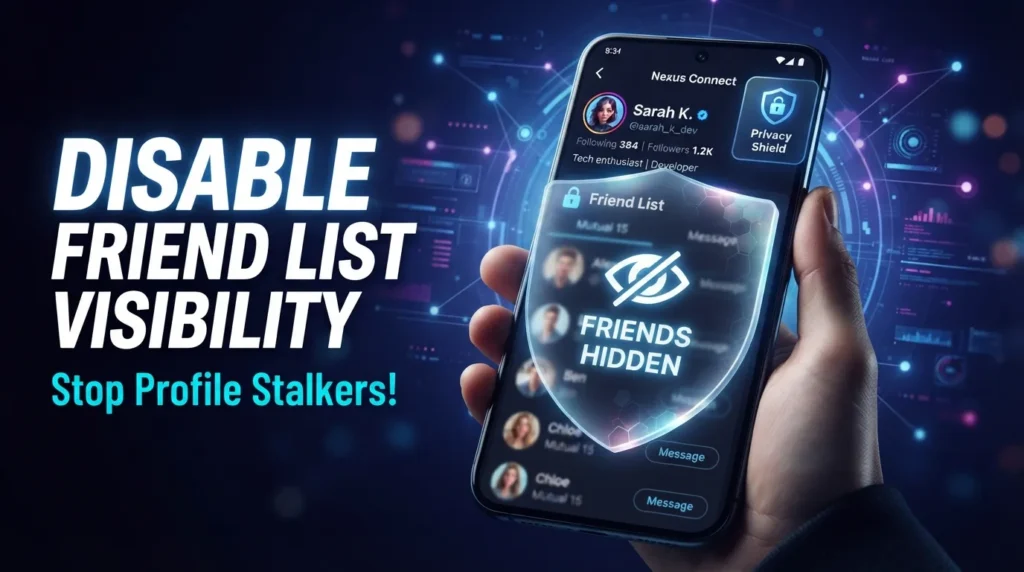
Publicly displaying your complete friend or follower list exposes your personal network to unwanted social engineering tactics. Scammers often clone public profiles and message your connections directly to launch deceptive online impersonation schemes.
Hiding your connections keeps your private relationships confidential and reduces overall social pressure from curious acquaintances. Setting friend list privacy to private mode ensures your personal social network remains visible strictly to you at all times.
9. Block Automatic Contact Syncing
Uploading your entire smartphone address book to social media platforms automatically suggests your profile to coworkers, distant relatives, and old high school classmates. Disabling contact synchronization keeps your private account disconnected from people you know offline.
You can build a quiet feed filled with interest-based content rather than dealing with offline social dynamics. Turning off address book syncing prevents platforms from broadcasting your fresh account to everyone stored in your phone address book.
10. Separate Personal and Public Digital Profiles
Combining your personal life with professional networking on one single account invites boundary confusion that introverts often find draining. Maintaining top rated social media safety basics for introverts includes creating dedicated accounts for creative hobbies or professional work.
Keeping your public persona completely separate from your private account lets you share creative work freely while keeping your personal life locked down. Maintaining separated social accounts protects your mental boundaries so you never feel watched by acquaintances.
Frequently Asked Questions
How do I handle persistent message requests without blocking people I know?
Use the restrict feature available on platforms like Instagram instead of a hard block. Restricting keeps their messages in your hidden requests without notifying them that you limited their access. They can still comment, but their comments stay visible only to them unless you approve them.
What are the most top rated social media safety basics for introverts who want absolute privacy?
Start by turning off online activity status, setting your main profile to private, and disabling phone contact synchronization. These three steps stop platforms from suggesting your profile to offline acquaintances and hide your browsing activity, allowing you to use social media on your own terms.
Will turning off location tags stop platforms from tracking my IP address?
Turning off location tags stops apps from embedding location coordinates into your public photos and posts. However, social platforms still track your general location using your IP address. Using a virtual private network alongside your privacy settings keeps your physical network address hidden from third-party trackers.
How can introverts deal with awkward social pressure from family members online?
Create custom audience lists that exclude specific family members from seeing personal posts without unfriending them. Most platforms allow you to share updates with everyone except selected individuals. This approach maintains social harmony while keeping your private life hidden from nosey relatives.
Conclusion
Taking control of your social media privacy settings lets you enjoy online connections on your own terms. Protecting your personal boundaries online ensures your quiet time stays peaceful and stress-free. Which of these privacy settings are you going to adjust on your profiles today?