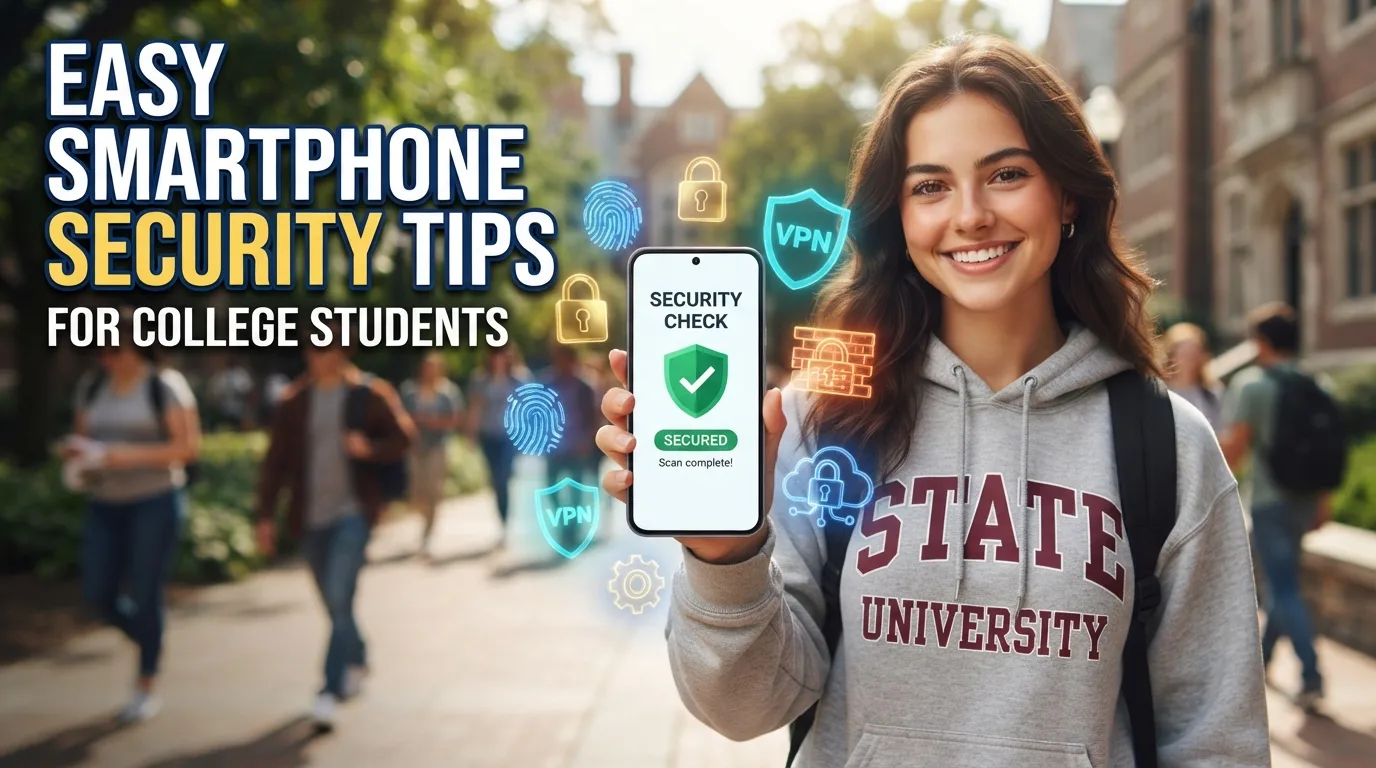
Finding easy smartphone security tips for college students feels impossible when you just want to get through finals week without someone stealing your digital life. I left my unlocked iPhone on a library table junior year during a quick coffee run, and those five anxious minutes taught me everything I needed to know about basic digital safety. You do not need a computer science degree to lock down your personal data.
1. Enable Stolen Device Protection Immediately
Apple added Stolen Device Protection to iOS recently, and it is a massive safeguard if someone pinches your device at a campus party. If someone steals your phone and knows your passcode, they still cannot change your account password without your face scan.
I turned this setting on after a friend had her phone snatched at a campus bar, and it stopped the thief from wiping her account. You can turn this setting on under Face ID options in your phone preferences.
2. Switch to a Dedicated Password Manager
Reusing the same simple password for your campus portal, personal email, and streaming accounts is asking for trouble. A password manager like Bitwarden or 1Password generates complex codes for every site and fills them in automatically.
You only have to remember one strong master password, which saves you from endless password resets during midterms. It also alerts you instantly if one of your saved logins pops up in a public data leak.
3. Lock Down Campus Wi-Fi With a Reliable VPN
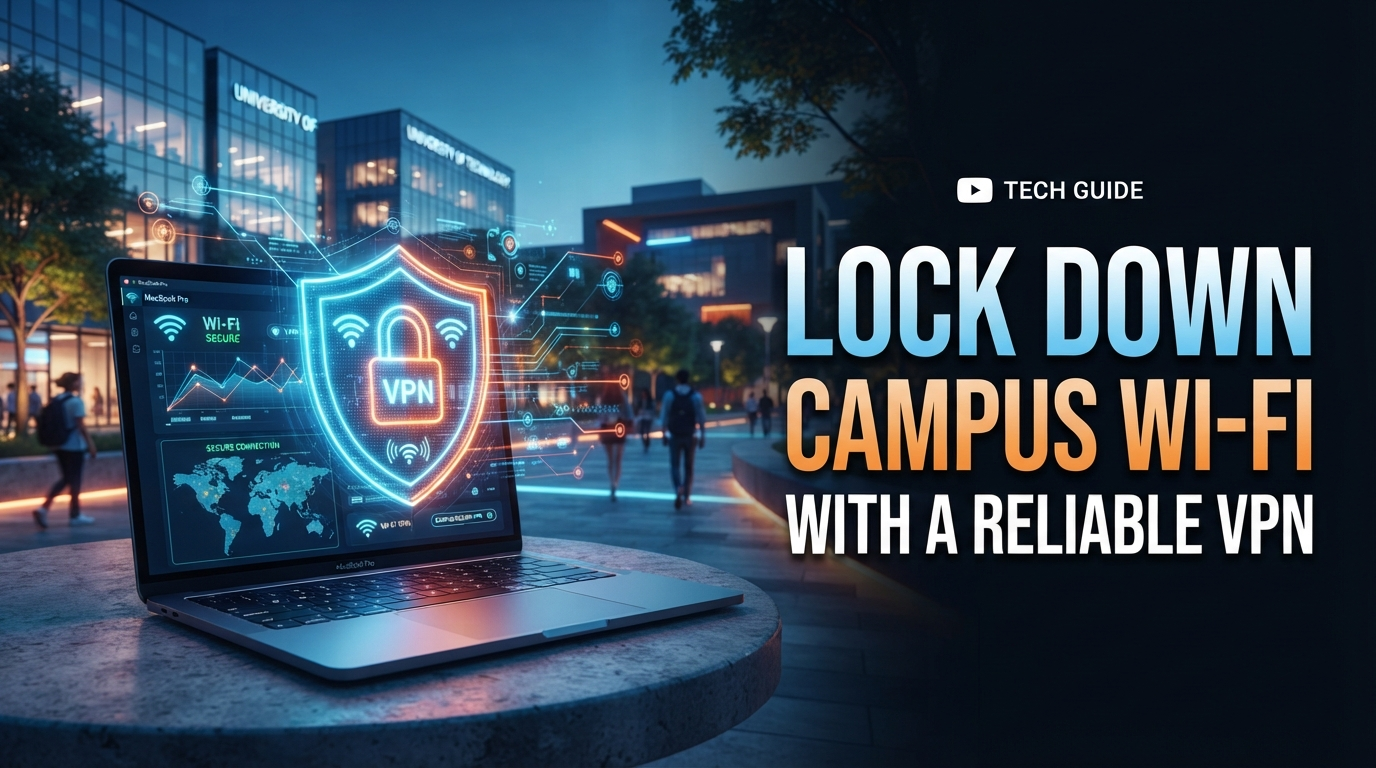
Open campus networks in dining halls and libraries are notorious hunting grounds for basic packet sniffing tools. Running a virtual private network encrypts every byte of traffic leaving your device, keeping your banking details hidden.
Most universities offer a free campus VPN through their IT department, so check your student portal before paying for commercial services like NordVPN. Connecting takes five seconds and protects your identity completely.
4. Ditch Six-Digit Passcodes for Alphanumeric Pins
Swiping a six-digit PIN on a crowded lecture hall desk makes it easy for shoulder surfers to spot your code. Applying easy smartphone security tips for college students does not mean spending hours tweaking obscure menus.
Switching to a custom alphanumeric passcode adds letters and extra characters, making your lock screen exponentially harder to crack. It takes two extra seconds to type, but it keeps nosey roommates out of your private photo library forever.
5. Disable Lock Screen Notification Previews
Text messages containing two-factor authentication codes often pop up on your lock screen for anyone to read. Setting your notification previews to show only when unlocked prevents strangers from seeing sensitive reset codes while your phone rests on a desk.
Go to your phone notification settings and toggle hide previews until Face ID or fingerprint scan verifies your identity. It is a tiny tweak that stops people from intercepting your login verification tokens at a glance.
6. Turn Off Automatic Wi-Fi and Bluetooth Connections
Leaving your wireless toggles active all day forces your device to constantly broadcast request signals searching for familiar routers. Rogue hotspots can mimic known network names and trick your hardware into connecting without your direct permission.
Toggle off automatic connection features in your network settings so your phone only pairs with devices when you explicitly tell it to. This simple habit also preserves your battery life during long afternoon lectures across campus.
7. Easy Smartphone Security Tips for College Students: Audit App Permissions
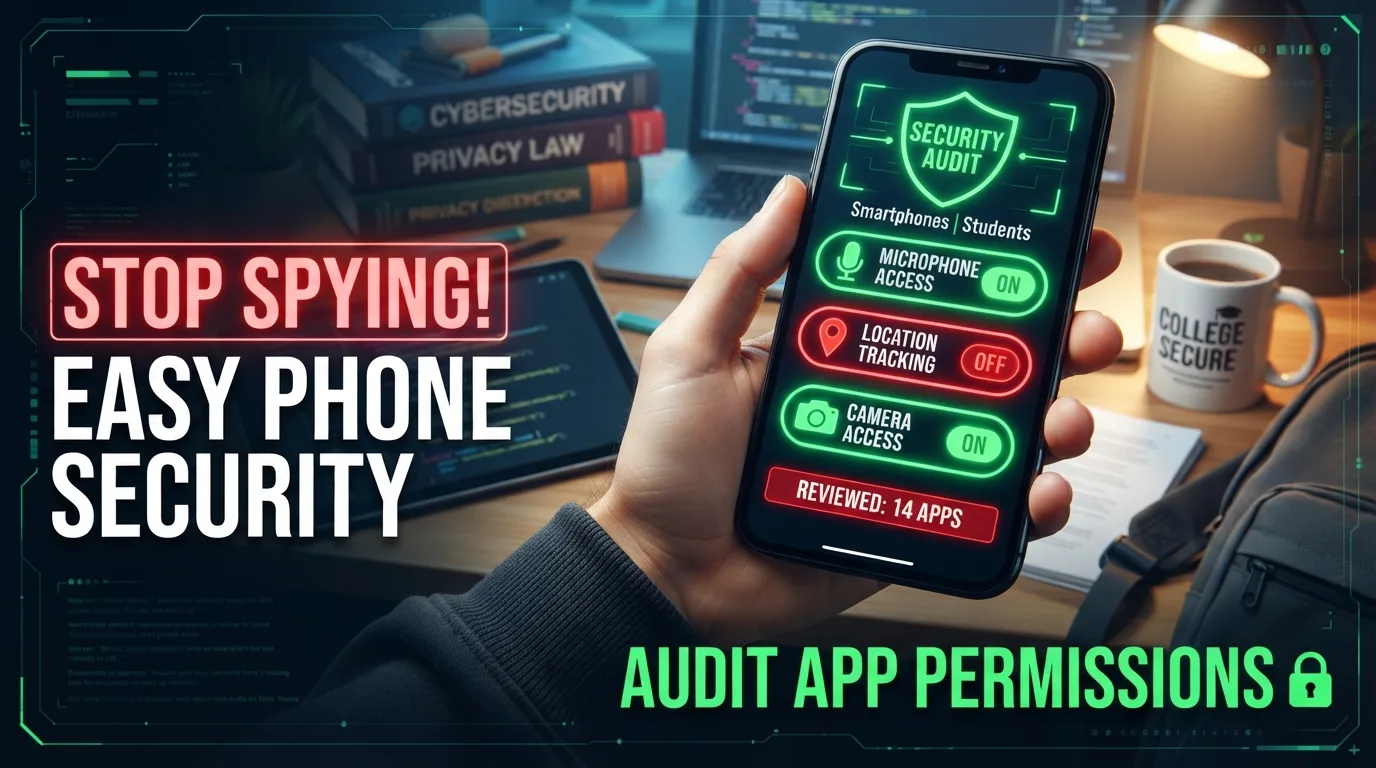
Random mobile games and utility apps frequently request access to your location, contacts, and microphone without any actual functional need. Auditing your application permissions every semester ensures old apps are not silently tracking your daily movements across town.
Check your privacy dashboard to review location permissions and revoke access for any app that does not require real-time GPS tracking. You will be shocked by how many random editing tools collect location data in the background.
8. Require Authentication for App Purchases and Downloads
Accidental downloads and sneaky subscription traps can quickly drain your limited college budget if your app store stays wide open. Requiring biometric confirmation for every download stops unauthorized installs if a friend borrows your device to play music.
Adjust your App Store or Google Play preferences to mandate biometric verification for free downloads and paid transactions alike. This step creates a firm barrier against unwanted charges and sketchy third-party applications.
9. Set Up Remote Wipe Features Before You Need Them
Losing your hardware on a night out is stressful enough without worrying about strangers accessing your private emails and photos. Enabling Apple Find My or Google Find My Device allows you to locate, lock, or completely wipe your hardware from any web browser.
Test this feature on a laptop once so you know how to trigger a remote wipe during an actual emergency. Knowing you can erase sensitive personal data from afar brings incredible peace of mind when misplaced gear happens.
10. Keep Your Operating System Updated Automatically
Ignoring system update popups because you are busy writing a term paper leaves active security flaws open on your device. Software patches exist primarily to close newly discovered vulnerabilities that hackers actively exploit in mobile devices.
Following these easy smartphone security tips for college students will keep your data safe throughout your academic career. Turn on automatic updates under your system settings so security patches install overnight while your phone charges.
Frequently Asked Questions
Are these easy smartphone security tips for college students sufficient for Android and iPhone?
Yes, these strategies apply equally well to both iOS and Android ecosystems. While menu names might differ slightly between Samsung, Pixel, and Apple devices, core privacy settings like two-factor authentication, remote wiping, and permission management function the exact same way on almost every modern smartphone brand.
What should I do first if my phone gets stolen on campus?
Log into your device tracking system using a friend’s laptop or library computer right away. Mark the device as lost to lock your screen, suspend mobile payment cards, and display a contact number. If recovery seems impossible, trigger a remote wipe before notifying campus security.
Is free public campus Wi-Fi safe to use without extra protection?
Unencrypted public Wi-Fi networks expose your web traffic to potential monitoring by anyone connected to the same router. Using your school VPN or turning on personal cellular data when checking bank accounts or entering sensitive passwords prevents bad actors from intercepting your confidential login credentials.
Do antivirus apps actually help protect mobile phones?
Modern mobile operating systems already isolate apps inside secure sandboxes, making traditional antivirus software largely unnecessary for iOS and standard Android builds. Sticking to official app stores, keeping your operating system current, and avoiding suspicious download links offer far better defense than third-party scanner apps.
Conclusion
Taking ten minutes today to configure basic security settings saves endless headaches later in the semester. Your phone holds your entire life, so treating digital safety like locking your dorm room door is just smart practice. Which setting are you going to update on your device first?