Setting up extra online account protection does not have to feel overwhelming, which is why following a top two factor authentication tutorial for retirees makes such a huge difference. Last year, my retired neighbor almost lost his life savings to a clever email scam. That scary close call completely changed how we handle his passwords and online banking security. You can easily protect your money today.
Understanding How Two-Step Verification Shields Your Accounts
Think of two-step verification like having a deadbolt on your front door alongside your standard doorknob lock. Even if a thief steals your key, they still cannot get inside without passing the second barrier. Password protection alone is no longer enough because automated software guesses simple combinations in seconds.
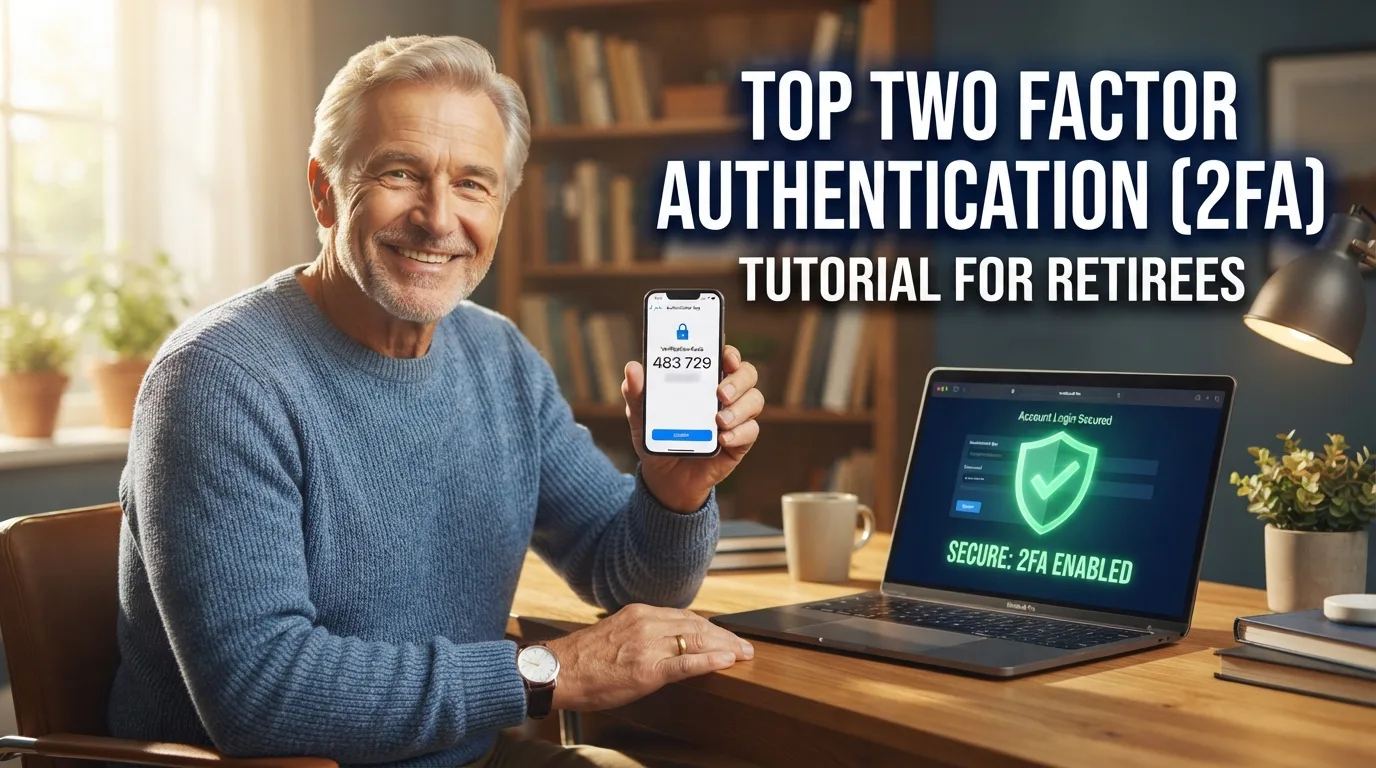
When you turn on two-factor protection, logging in requires two things: something you know, like your password, and something you have, like your mobile phone. When you sign into your account from a new computer, the service sends a temporary six-digit code to your phone. Unless the hacker is holding your physical handset, they get blocked instantly. Using multi-factor security keeps your personal photos, emails, and financial records safe from remote hackers.
Why This Top Two Factor Authentication Tutorial for Retirees Matters
Scammers frequently target older adults because they assume seniors are less familiar with modern digital safety settings. Following a top two factor authentication tutorial for retirees gives you simple, actionable defense strategies without confusing technical jargon.
Understanding how two-step login works is the foundation of any top two factor authentication tutorial for retirees who want total digital independence. Many retirees use the same password across multiple websites out of convenience. If one shopping site suffers a data leak, cybercriminals try those stolen credentials on bank websites, email accounts, and medical portals. Setting up extra security stops those automated attacks dead in their tracks, maintaining reliable data leak safety even if your main password gets leaked online.
Step 1: Start With Your Primary Email Account
Your primary email address acts as the master key to your entire digital life. If a scammer gains access to your email inbox, they can click forgotten password links for your bank, credit cards, and social security account. Protecting your inbox must be your very first priority.
Log into your email provider, whether you use Gmail, Yahoo, or Outlook, and click on account settings. Look for the security tab and turn on two-step verification immediately. The system will prompt you to enter your mobile phone number to receive confirmation codes. Once active, your inbox stays secure even if someone manages to guess your email password.
Step 2: Choose Text Messages or an Authenticator App
Selecting the right verification method depends on your comfort level with technology. Text message verification sends a unique code straight to your phone messaging app whenever you log in. This method is incredibly easy to use because you already know how to check text messages.
For even stronger security, you can download a dedicated authenticator application like Google Authenticator or Microsoft Authenticator from your phone app store. These apps generate fresh six-digit codes every thirty seconds directly on your screen without needing cellular service. My neighbor prefers text messages because the font is larger on his screen, which works perfectly fine for everyday account safety.
Step 3: Set Up Two-Factor Safety on Your Bank Accounts
Financial institutions usually make enabling extra account security straightforward. Log into your online banking portal or open your bank mobile app on your tablet or smartphone. Navigate to the profile or security settings menu to locate security preferences.
Turn on login verification so the bank sends a text code every time a new device attempts to sign in. Many major banks also offer biometric verification, allowing you to log in using your fingerprint or face recognition on your smartphone. Setting this up ensures that even if someone steals your login details, your retirement savings remain safe behind double locks.
Step 4: Write Down and Store Backup Recovery Codes
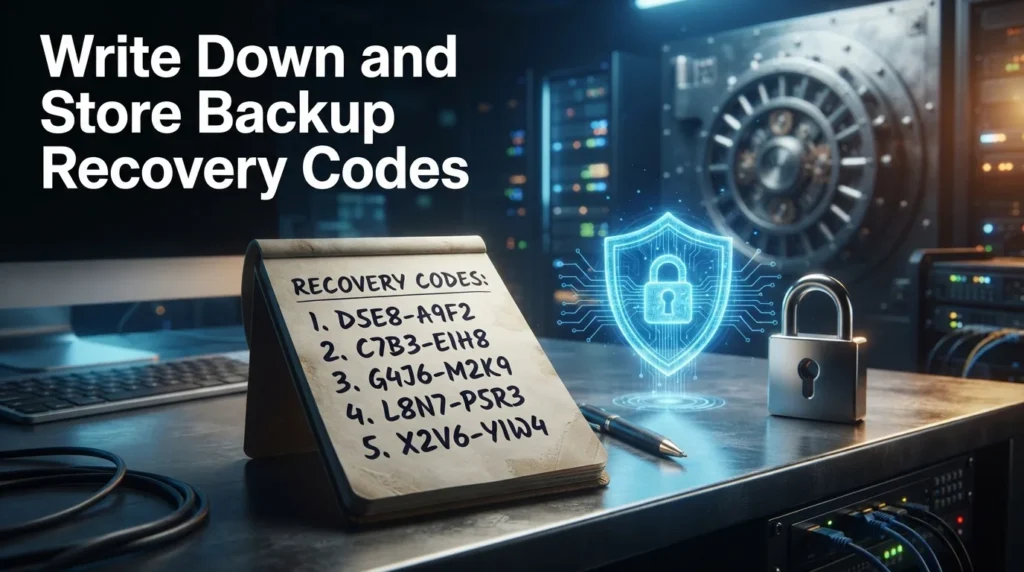
Emergency recovery codes are your safety net if you ever lose your mobile phone or upgrade to a new handset. When you first enable two-factor protection on an account, the website generates a list of single-use backup codes.
Print these backup numbers out immediately and store them in a secure physical location, like your home safe or desk file cabinet. Never save backup codes in a plain text file on your computer desktop. Keeping a physical backup paper ensures you never get locked out of your vital accounts during a phone replacement emergency.
Step 5: Protect Against Phone Number Swap Scams
Criminals sometimes try to trick mobile carriers into transferring your phone number to a SIM card they control, a trick known as SIM swapping. If they succeed, your incoming security text codes go straight to the scammer phone instead of yours.
Call your cellular provider, such as Verizon, AT&T, or T-Mobile, and request a carrier account PIN. This extra security code prevents anyone from making changes to your mobile service without knowing your secret digits. Taking this quick preventive step locks down your cellular account and stops sophisticated phone hijacks before they happen.
Frequently Asked Questions
Is a top two factor authentication tutorial for retirees hard to follow if I am not tech savvy?
Not at all. Setting up two-factor security takes only a few minutes per account. Most services guide you step by step through entering your mobile number and typing back a confirmation code. Once set up, you only enter codes when logging in from unfamiliar computers.
What happens if I lose my mobile phone after turning on two-factor verification?
Losing your phone will not lock you out forever if you saved your printable recovery codes. You can use one of those emergency numbers to log into your account from a computer. From there, you can easily update your profile with your new mobile phone number.
Are text message security codes safe enough for retirement accounts?
Text message verification provides strong protection for most everyday security needs. While authenticator apps offer slightly higher defense against advanced hackers, receiving text codes is far safer than relying on a password alone. Use whichever method feels most comfortable for your daily routine.
Will I have to type a security code every single time I check my email?
No, you usually only enter a security code when logging in from a new device or web browser. Most trusted platforms allow you to check a box that says remember this device. That way, your home computer stays logged in while strangers remain locked out.
Conclusion
Securing your digital accounts takes just a few quiet minutes and gives you complete confidence while browsing online. Once you turn on two-step protection for your email and financial accounts, you can enjoy retirement without worrying about online scams. Have you set up extra login protection on your primary bank account yet?